Registration that fits the event
Configure registration forms, required information, and reservation workflows for the information your team needs.
Venco Classic
Connect ticketing and registration with the specialized workflows your team needs, from seating and ticket packs to printing and partner check-in.
For teams managing detailed registrations, festival programs, and specialized event workflows.
We’ll help define the modules, integrations, and support your Classic setup needs. Existing Venco customers continue with Classic.
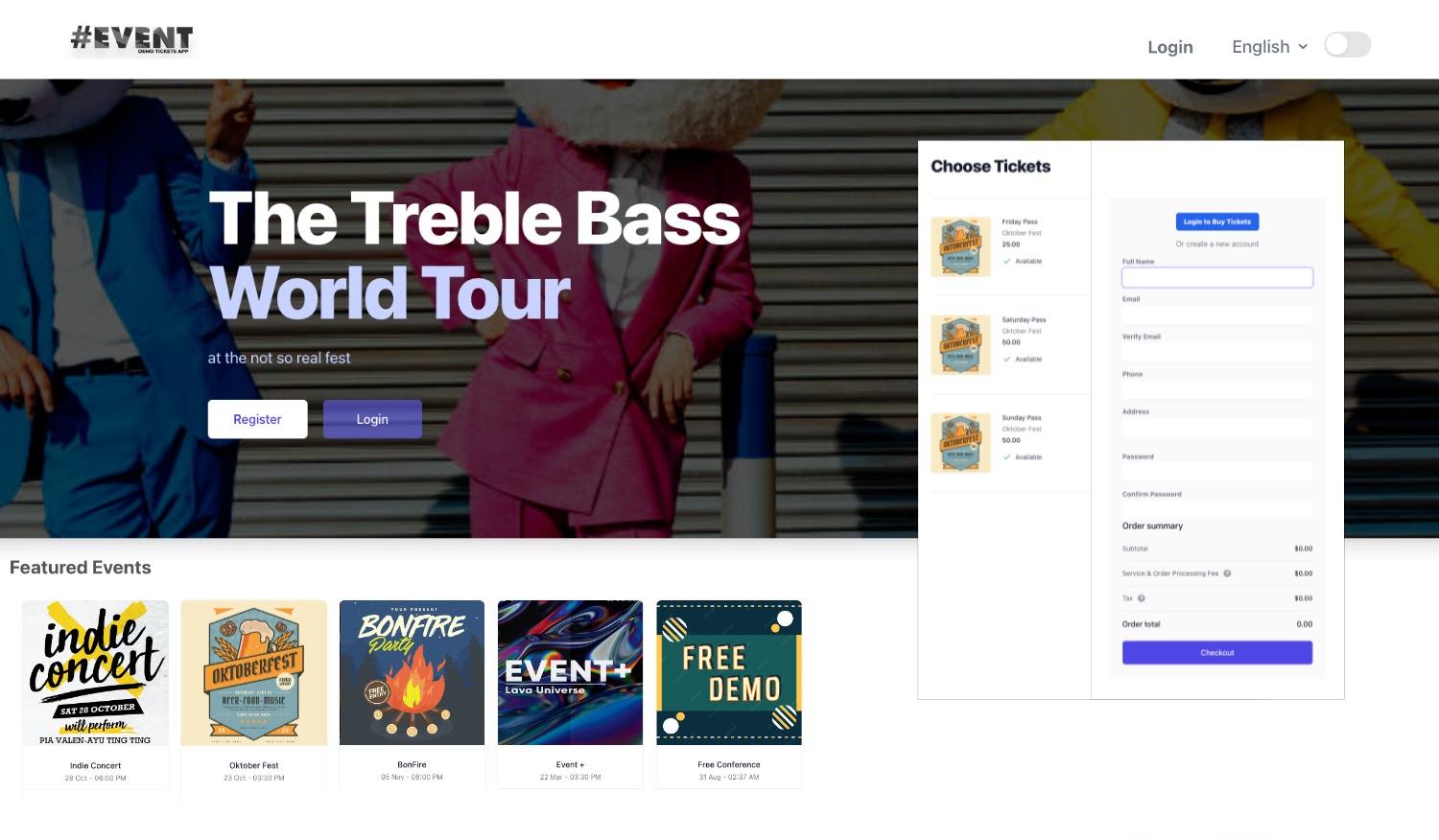
Your operation, connected
Configure registration forms, required information, and reservation workflows for the information your team needs.
Manage ticket types and ticket packs. Configure seating and charts where your event requires them.
Use ticket design and PDF print tools to prepare tickets for your configured format and workflow.
Connect partner participation and stand check-in with your event. Configure program, sponsor, and other modules as needed.
Work with orders, attendee records, merchandise, and reports, with access assigned to your team.
Authorized super admins can ask event questions and review supported change proposals before applying them.
Identify ticketing, registration, seating, printing, and partner requirements.
Agree on your modules, branding, team permissions, and integrations.
Prepare registration, orders, admission, and reporting for event day.
Yes. Venco Classic is the name of the original Venco platform. It remains a separate offering alongside Venco Edge.
Module availability and integrations depend on your configured platform. We’ll define the scope and requirements in your proposal.
The current assistant is restricted to authorized super admins. Supported changes require review and confirmation.
Choosing a platform depends on your workflows. Edge is separate; shared accounts, transferred orders, or automatic migration are not part of this offer.
Venco Classic
See the platform and plan a setup for your team.